
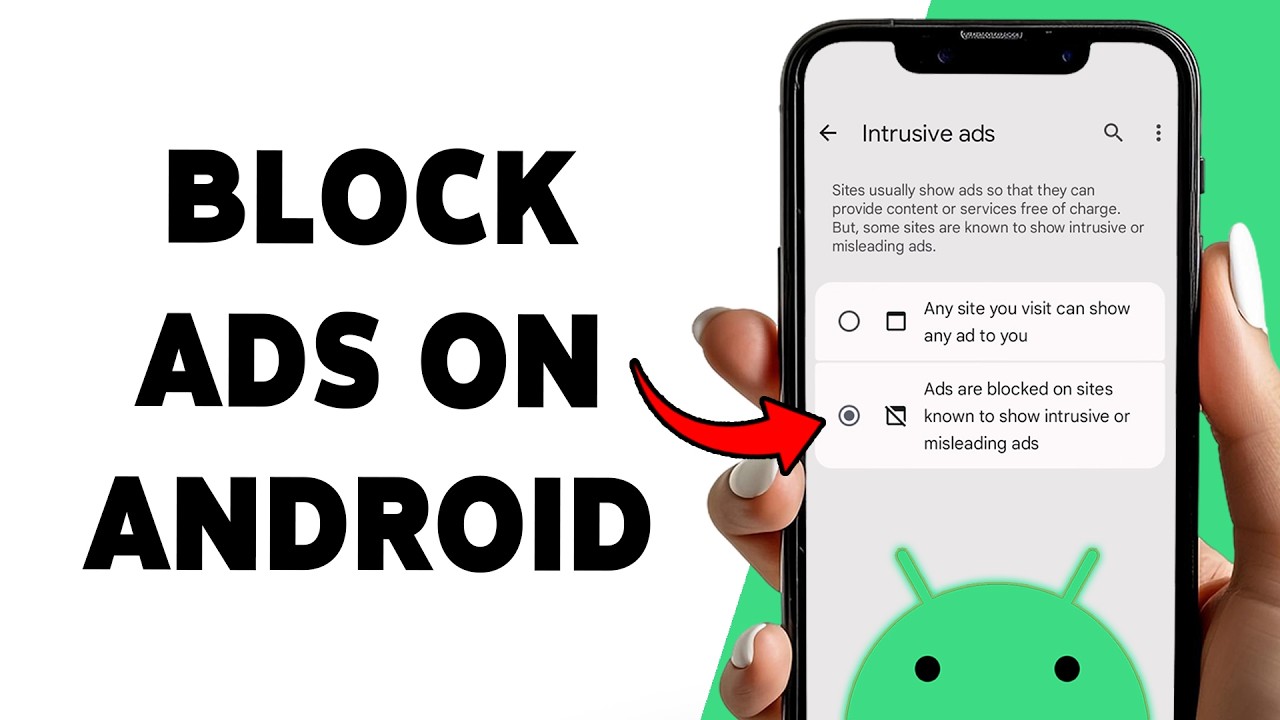
You tap the back button to leave an app, and instead of closing, a full-screen ad pops up. If you’ve seen this and searched appcloseadd, you’re dealing with what’s commonly called an app close ad: an advertisement shown at the moment you exit an app. Here’s what’s going on and what you can do about it.
What Is an App Close Ad?
An app close ad (sometimes called an exit ad or exit interstitial) is an advertisement that appears when you close, minimize, or leave an app. Developers, especially of free apps, use them as one more place to earn ad revenue on top of banners and in-app ads.
Why Do Apps Show Ads When You Exit?
- Free apps need revenue. Ads are the main income for many free apps and games.
- Exit moments are guaranteed views. Every session ends somehow, so it’s a reliable slot for an impression.
- Ad networks offer the format. Advertising platforms provide ready-made interstitial formats developers can trigger on exit events.
Are They Always Legitimate?
Not always. Ads shown inside an app by the developer through a known ad network are normal, even if annoying. But there’s a second category worth watching for: unwanted ads that appear outside the app, such as pop-ups on your home screen, ads after you’ve already closed the app, or ads that appear when you unlock your phone. These are often caused by:
- Apps with aggressive or deceptive ad behavior
- Apps installed from unofficial sources
- Adware bundled with free utilities, wallpapers, or “cleaner” apps
If the ads show up when no app is open, treat it as a problem, not a feature.
How to Reduce or Stop App Close Ads
- Pay to remove ads. Many apps offer a one-time purchase or subscription that removes ads entirely.
- Check the app’s settings. Some apps let you turn off certain ad types or personalized ads.
- Use offline mode or airplane mode for apps that work without internet, since most ads can’t load without a connection.
- Limit ad personalization in your phone’s privacy settings so ads are less targeted, though this won’t remove them.
- Choose alternatives. Switch to a similar app with fewer or no ads, especially paid or open-source options.
- Uninstall the offender. If an app’s ads are excessive, its rating and reviews usually say so.
If Ads Appear Outside Apps (Adware Check)
- Review recently installed apps and remove anything you don’t recognize or need.
- On Android, check which apps have permission to “display over other apps” and turn it off for anything that doesn’t need it.
- Install apps only from the official app store, and avoid modified or “cracked” versions.
- Run a scan with a reputable mobile security app if the problem continues.
- Keep your phone updated, since updates patch many ad-related exploits.
Tips for Developers
If you build apps, exit ads are a quick way to lose users. Poorly timed interstitials hurt ratings, retention, and can violate ad-network or app-store policies. A better approach is to place ads at natural breaks, cap how often they appear, and offer a clear ad-free option.
Bottom Line
An appcloseadd or “app close ad” is simply an ad shown when you leave an app. In-app exit ads are a common, if irritating, part of free apps, and you can usually reduce them by paying for an ad-free version, changing settings, or switching apps. But if ads pop up when no app is open, that’s a warning sign of adware, and it’s worth checking your installed apps and permissions right away.